How to Use the Packlee Vocabulary Builder — Complete Guide
How to Use the Packlee Vocabulary Builder — Complete Guide
If you’ve already downloaded Packlee Vocabulary Builder but aren’t sure where to start — this guide is for you. If you’re still deciding whether to download a vocab app at all, you’re in the right place too. We’ll walk through everything from first launch to daily routine.
Why Use a Vocabulary App at All?
Most people learn words somehow: from movies, books, Duolingo, or notebooks. These methods all share one common problem — you don’t decide what you learn.
Packlee Vocabulary Builder works differently. You add the words and phrases you actually want to learn. The app then makes sure those words stick. That’s the fundamental difference between a traditional vocab app and a personal vocabulary builder.
Getting Started: First Launch
When you open the Packlee Vocabulary Builder app for the first time, you’re greeted with a clean, simple interface. No dozen menu items, no lengthy onboarding flow.
What to do in the first minute:
- Create your first word list — it can be any topic: travel, business English, Spanish restaurant vocabulary, anything
- Add your first few words or phrases — the app automatically translates them and generates a pronunciation guide and example sentences (all editable afterwards)
- Start your first practice session
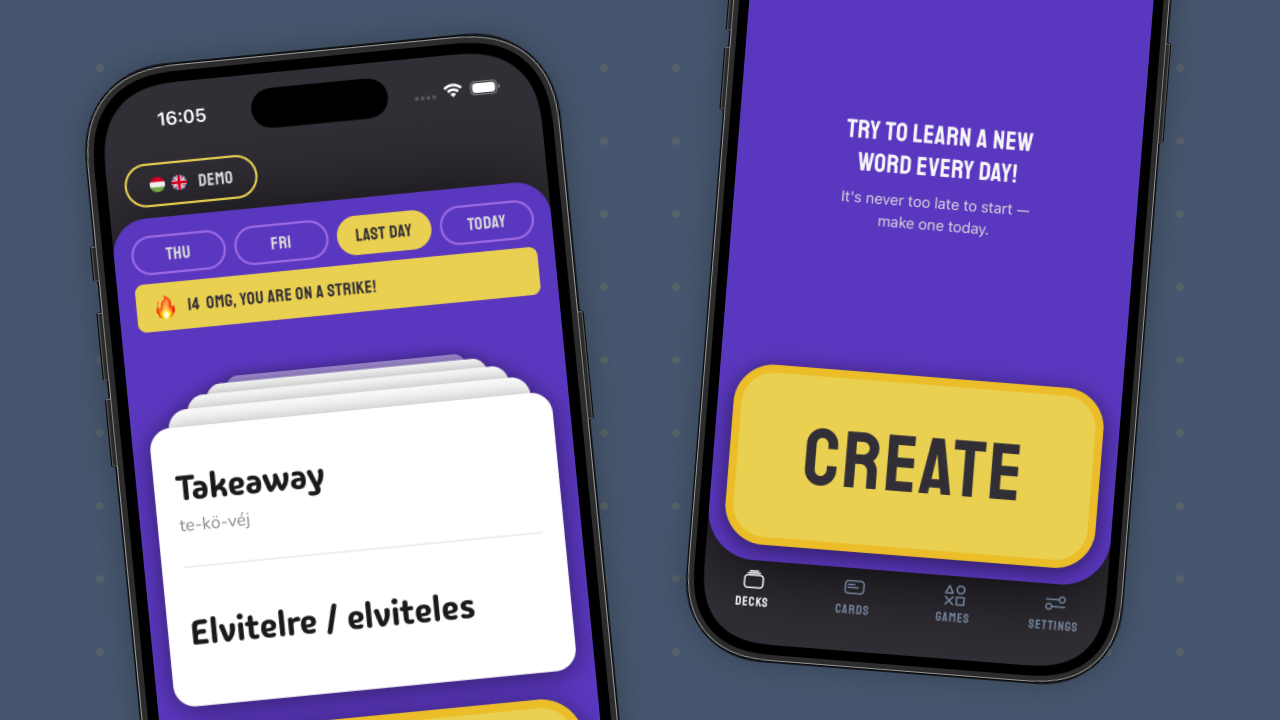
Give your first list a specific name. Not “General English”, but “Spanish Words — Travel” or “Business English — Meetings”. The more specific, the easier it is to stay motivated.
Adding Words
Type in a word or phrase — the app automatically translates it, generates a pronunciation guide and an example sentence. Everything is editable afterwards: the translation, the example sentence, anything.
This is especially useful when:
- You’re copying words or phrases from another app or website
- You want to add several items quickly one after another
- You’re not sure of the exact translation and want a starting point
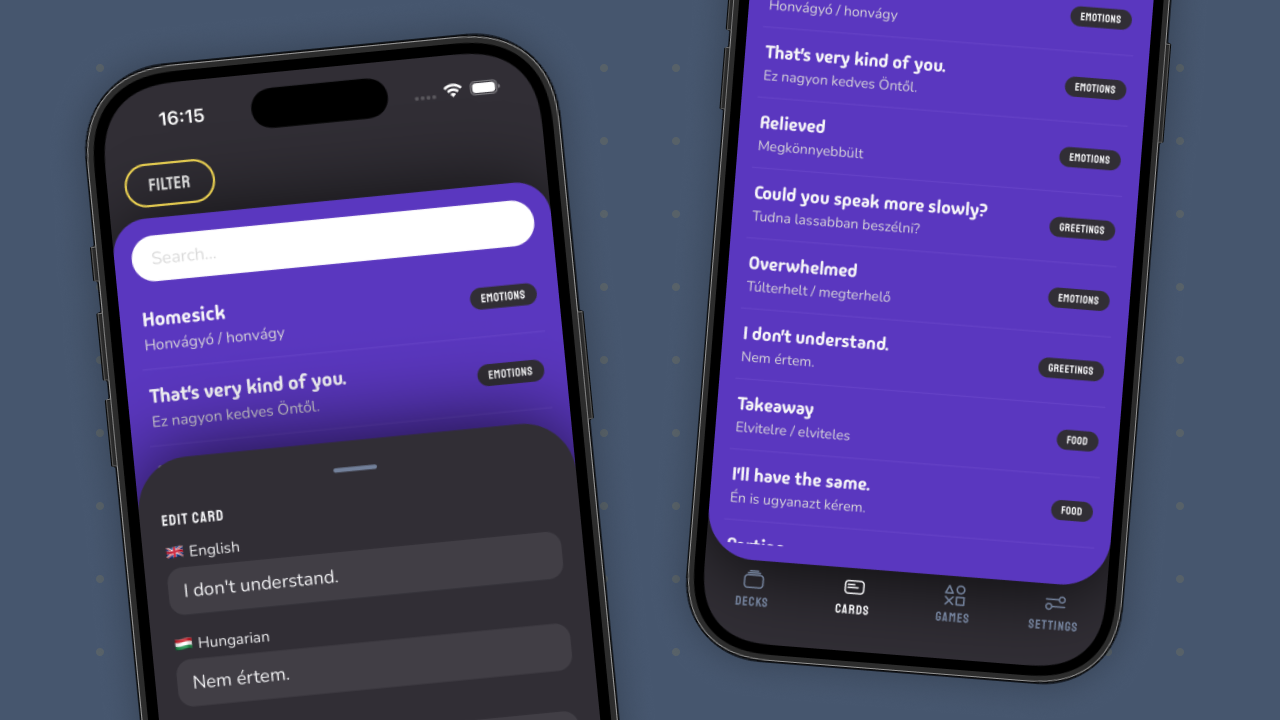
Why 8 Words Per Day?
Packlee Vocabulary Builder recommends 8 words per day by default. That sounds like very little — but it’s intentional.
The science of spaced repetition shows that the brain processes information far more effectively in smaller doses over longer periods of time. 8 words per day adds up to 240 words in a month — and these actually stick, not just short-term.
If you try to learn 50 words at once, most of them will be gone within a week. If you learn 8 per day, you’ll have all of them six months later. That’s the principle — but of course you can add as many words as you like.
(For a deeper dive into the recommended daily limit and the science of spaced repetition, read the dedicated guide.)
Game Modes: This Is Where It Gets Interesting
One of Packlee Vocabulary Builder’s most important features is its variety of game modes. Not by accident — research shows that memory works much more efficiently in a playful environment.
The modes in the app let you encounter the same words again and again in different contexts and formats. This isn’t monotonous flashcard drilling — each mode activates your memory differently.
What to know about game modes:
- Each mode activates a different cognitive process
- Variety prevents boredom and “auto-pilot” swiping
- Some modes are faster (great for commuting), some require deeper focus (great for an evening routine)
We’ve written a separate guide with a detailed breakdown of each game mode — check it out to see which one to use when.
Syncing Between Mac and iPhone
If you also have the Packlee Menubar app, words you add on your Mac automatically appear on your iPhone. The Mac app is exclusively for adding words — practicing and playing games happens on the iPhone app.
Typical workflow: you’re reading or working on your Mac and come across a word, you add it — and it’s there on your iPhone that same day when you want to practice it.
Daily Routine Tip: When to Use It
The Packlee Vocabulary Builder app is best picked up when you have a free minute — but don’t necessarily feel like tackling something serious.
Specific situations where it works perfectly:
- Morning coffee before checking email — 5 minutes
- Bus, metro, train — anytime, works offline too
- Lunch break when you don’t want to think about another meeting — 3-5 minutes
- Before bed, as a calm way to close out the day
You don’t need to spend 30 minutes on it every day. Consistency matters more than time. 5 minutes a day, every day — that’s worth significantly more than an hour once a week.
Summary
The Packlee Vocabulary Builder app is simple at its core: you decide which words to learn, the app makes sure you actually learn them. The spaced repetition system, the variety of game modes, and automatic syncing combine into a vocab app that genuinely works — not just on paper.
If you haven’t downloaded it yet, find it in the App Store. Start with a 7-day free trial — no card required, no cost.